In my last post, Malware Hid in My Old Repos and Git Never Showed It, I wrote about PolinRider. It is the malware that hides past hundreds of spaces at the end of a normal line in postcss.config.mjs, rewrites your commits so git shows nothing, and runs the second you open the folder in VS Code or type npm run dev.
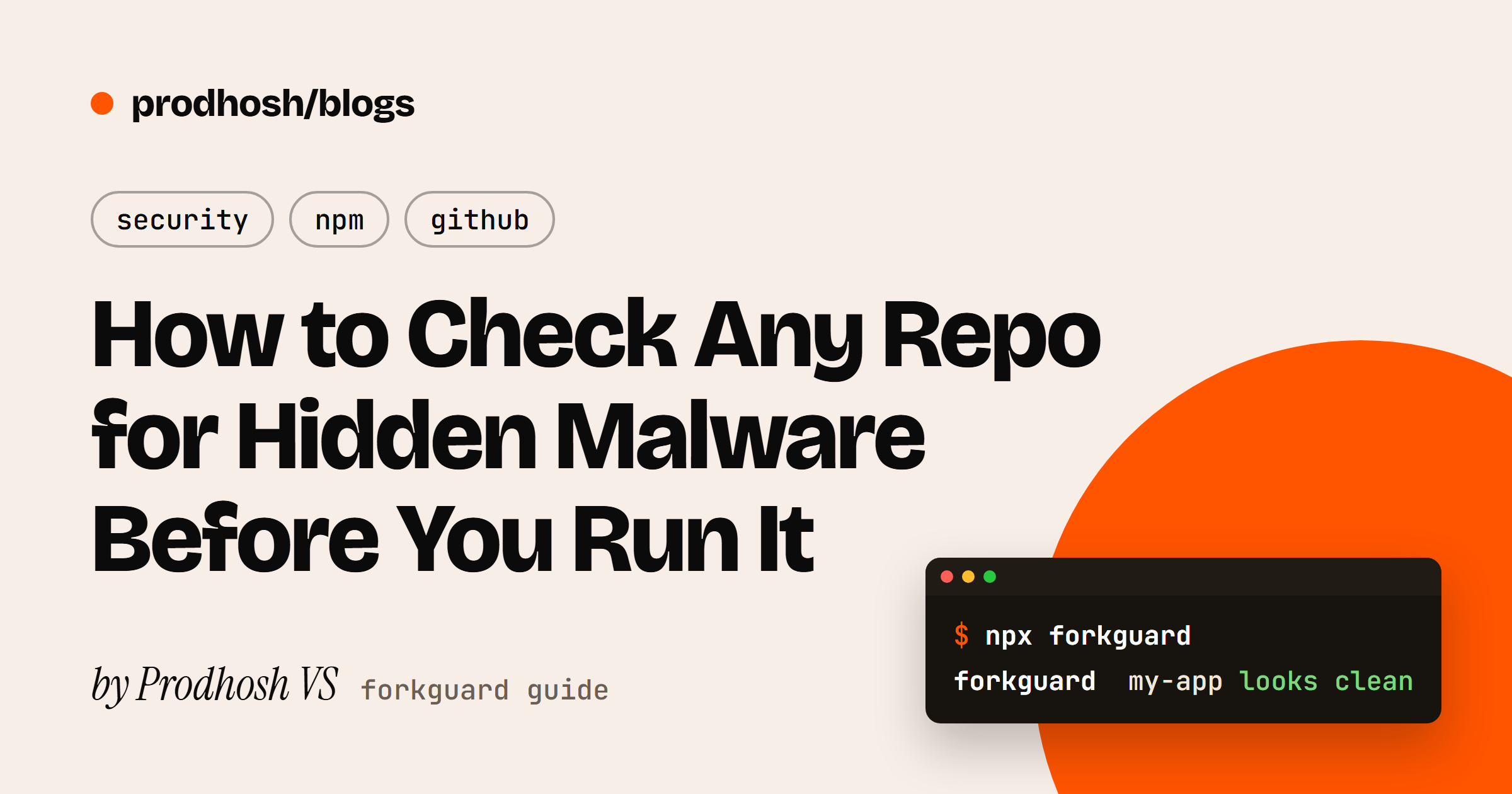
I ended that post saying I was building a CLI to run all those checks for you before you open or run a project. It is ready. It is called forkguard, and this post shows you exactly how to use it, with real screenshots from my own terminal.
It also turned out I needed it more than I thought. Two weeks after that first post, PolinRider was back in 35 of my 53 repos. Cleaning that by hand, carefully, without losing real work, took me a whole day. With forkguard it is one command.
What you need#
- Node.js 18 or newer. Check with
node --version. - git. Check with
git --version.
That is it. forkguard has zero dependencies, which matters more than it sounds. A tool you run before npm install should not need npm install itself.
Step 1: Install it#
npm install -g forkguard
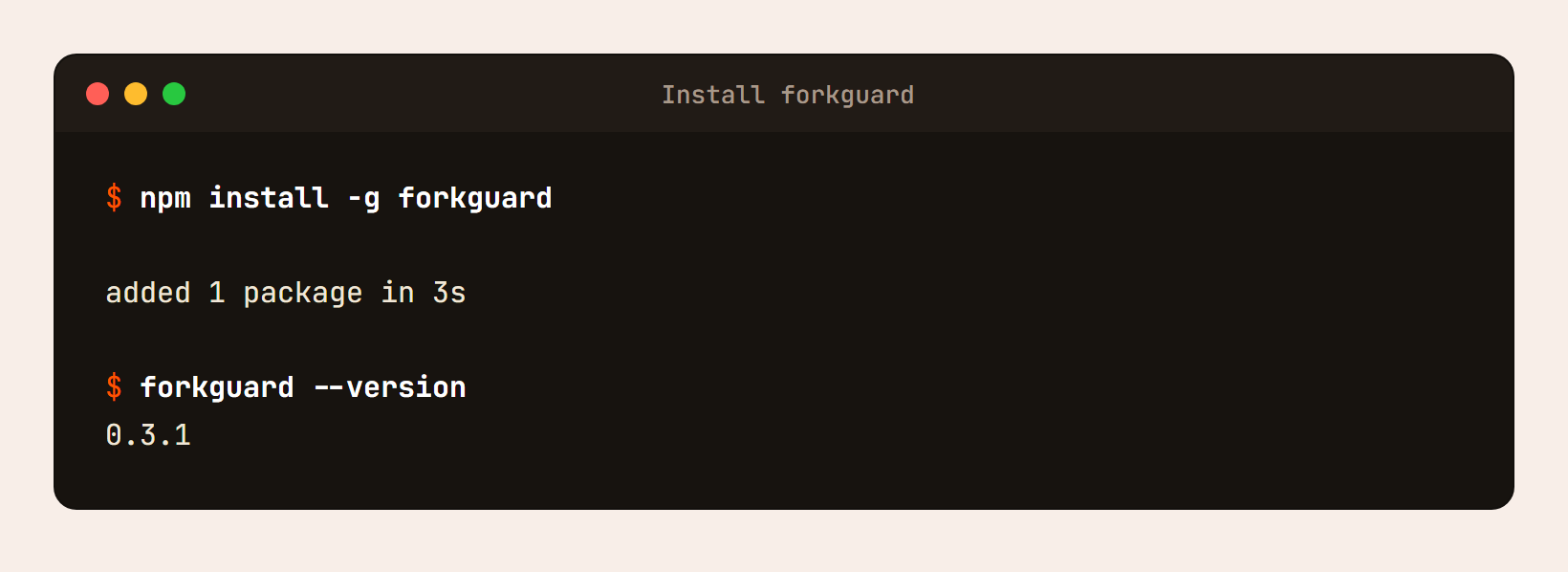
Just want to try it once? Skip the install and put npx in front of any command, like npx forkguard.
Step 2: Check a project#
Open a terminal inside any project folder and run:
forkguard
If the project is clean, you get one line and you can get on with your day:
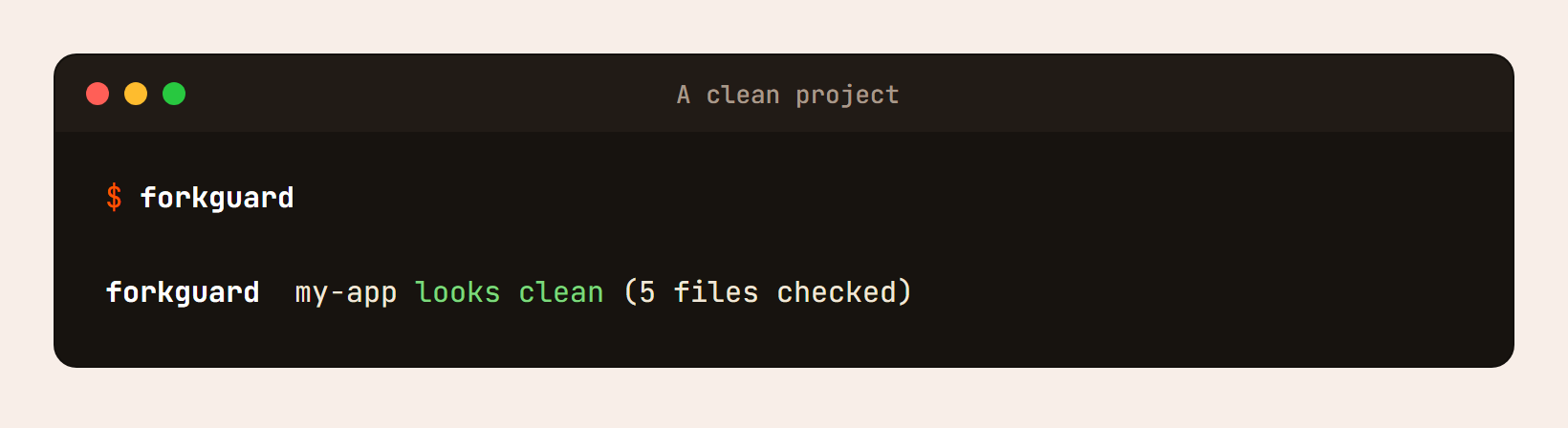
If it is not, you get a list of exactly what is wrong and where:
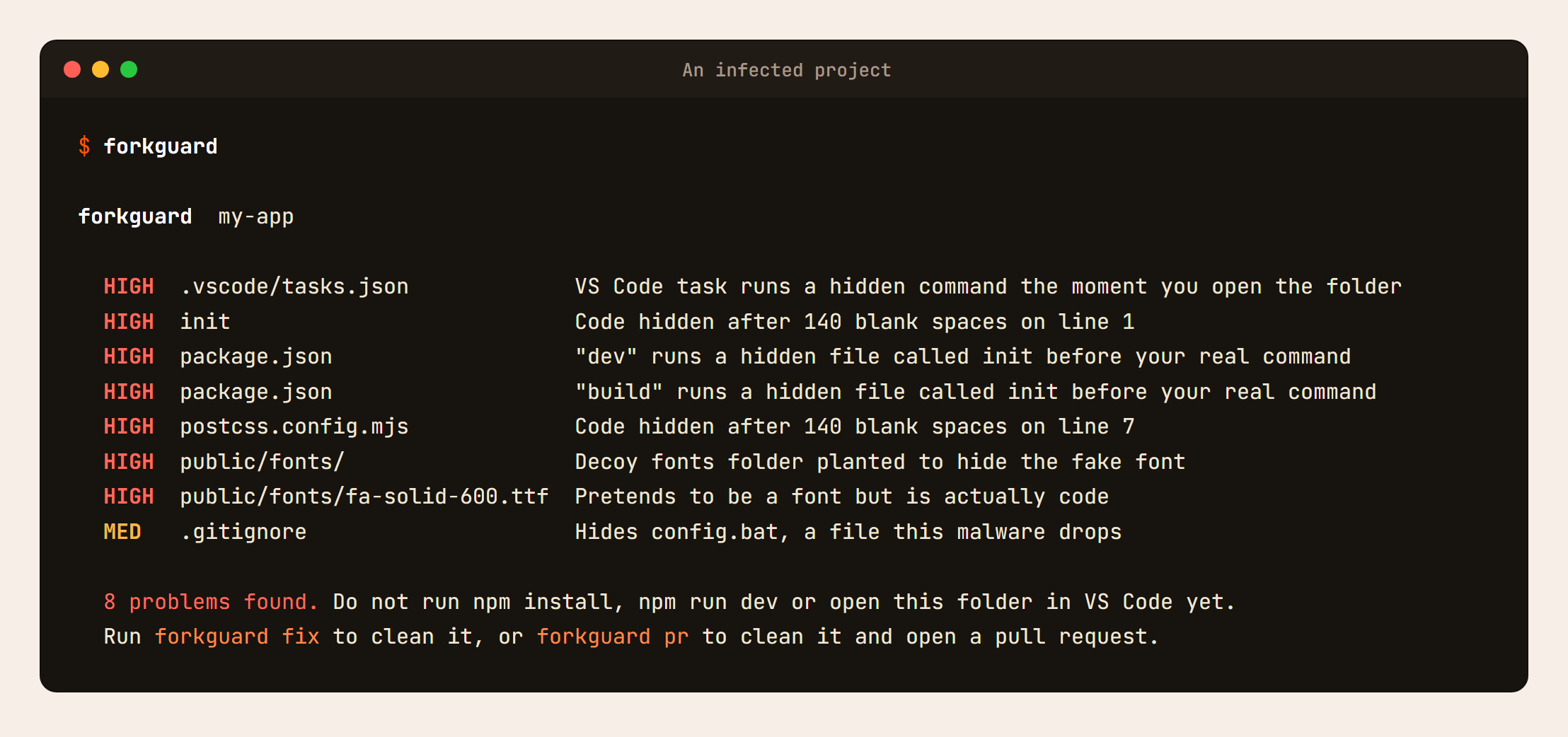
Every line tells you three things: how serious it is, which file, and what is wrong in plain words.
- HIGH means it can run by itself and steal from you. Do not install, run or open the project yet.
- MED means it is worth a look, but it does not run on its own.
Look at that list closely, because it is the whole attack from my last post in one screen. The init file and the hidden code in postcss.config.mjs are the payload. The "dev" runs a hidden file called init line is how it starts when you type npm run dev. The VS Code task is how it starts when you just open the folder. The fake font is a loader dressed up as a .ttf file, sitting in a decoy fonts folder so it looks normal.
Step 3: Clean it#
forkguard fix
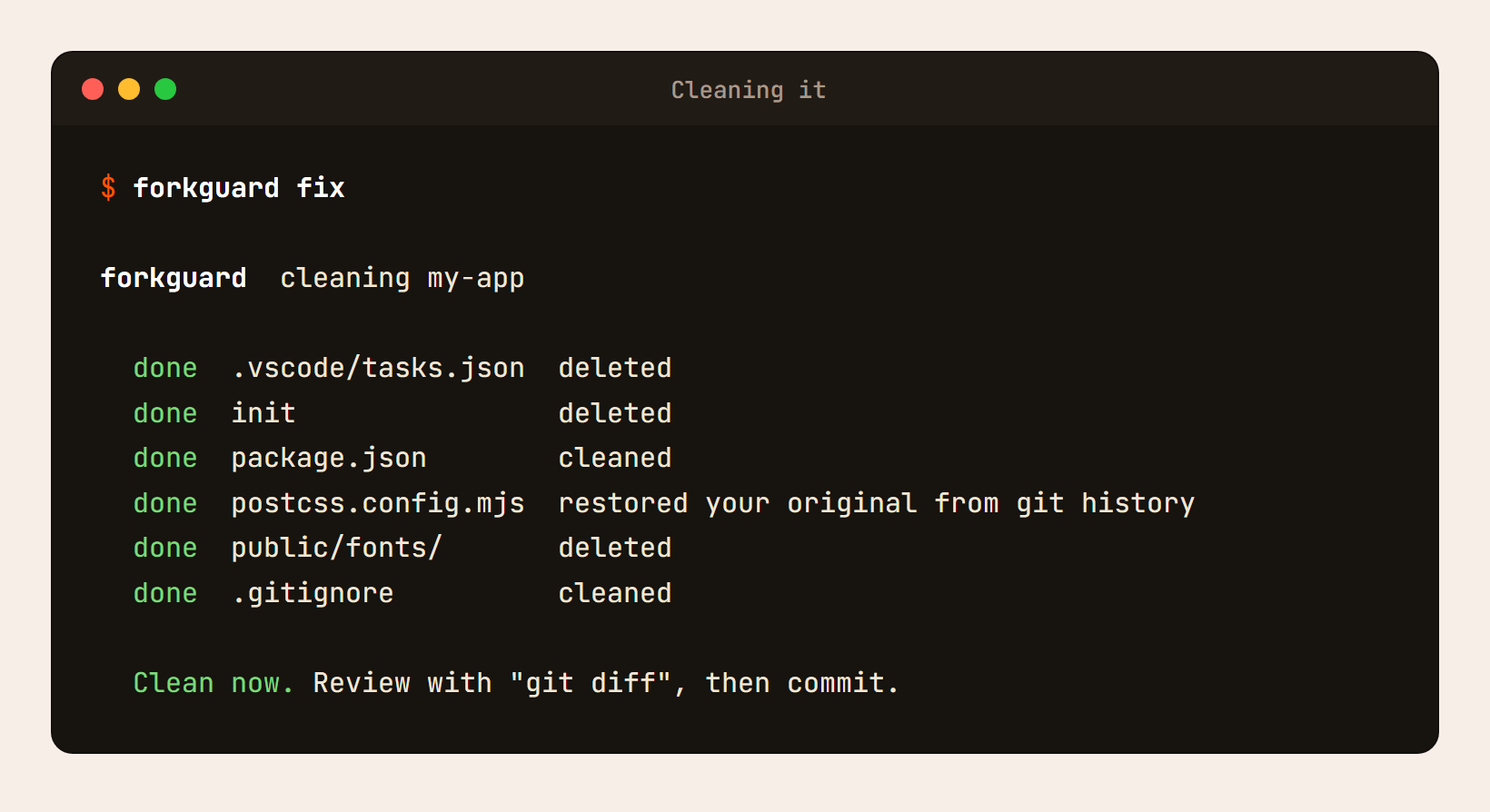
Here is the part I am proudest of. Look at the postcss.config.mjs line: restored your original from git history.
Cutting out the hidden code is the easy part. The malware also adds fake require lines to the top of files and sometimes even messes with the line breaks. So forkguard looks back through your git history, finds the last clean version of the file, and if the code matches, it puts back your exact original. Byte for byte. When I was cleaning my repos by hand, this was the step that took the longest.
Run it once more to confirm:
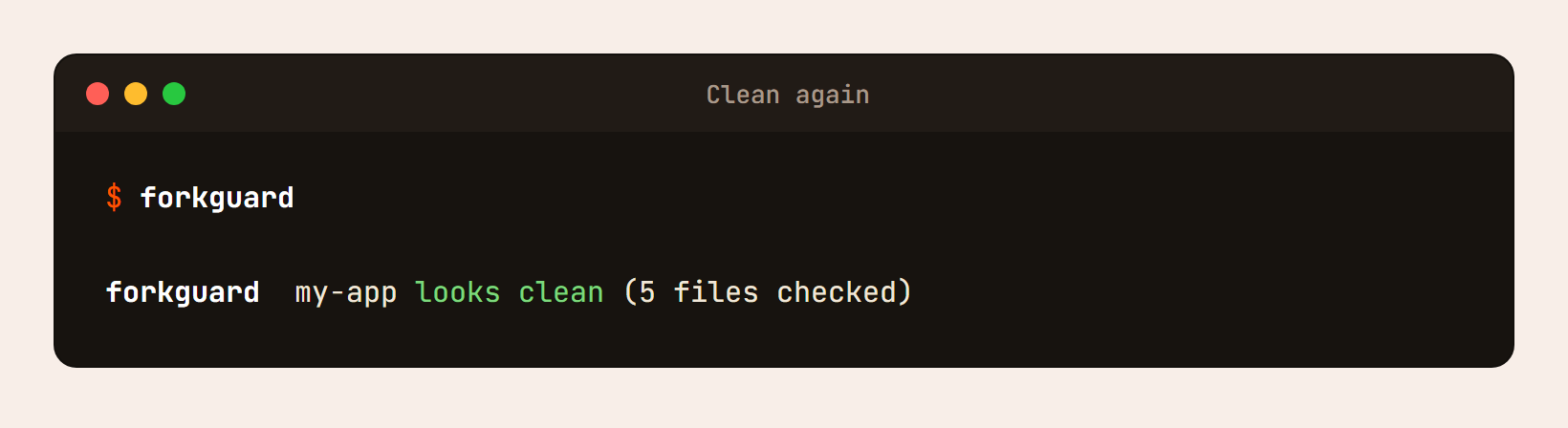
Then review the changes with git diff and commit them.
Check a repo before you even clone it#
This is the one I use the most now. In my last post I mentioned how PolinRider spreads through fake coding tests from "recruiters". You clone their repo, open it, and that is enough.
With forkguard you can check the repo straight from GitHub, without cloning it:
forkguard someone/their-repo
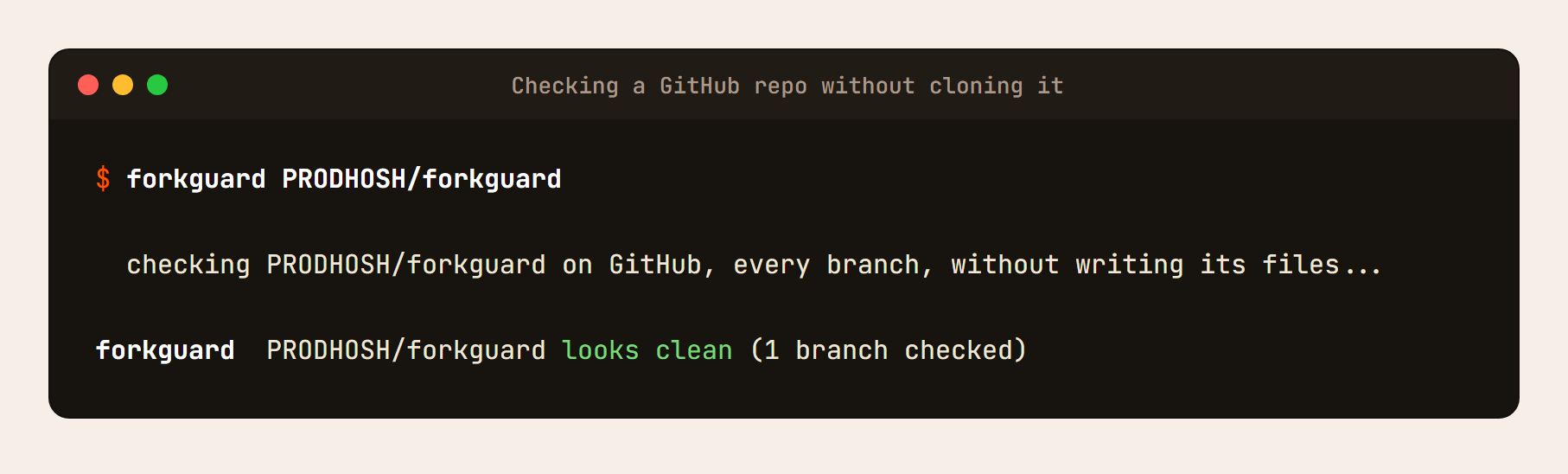
It downloads the latest commit of every branch, keeps the files packed inside git so nothing lands on your disk as a real file, checks everything, and deletes the download. A few seconds per repo.
And it checks every branch, which matters. Here is a demo of a coding test where main looks perfectly clean, but the solution branch they ask you to check out is not:
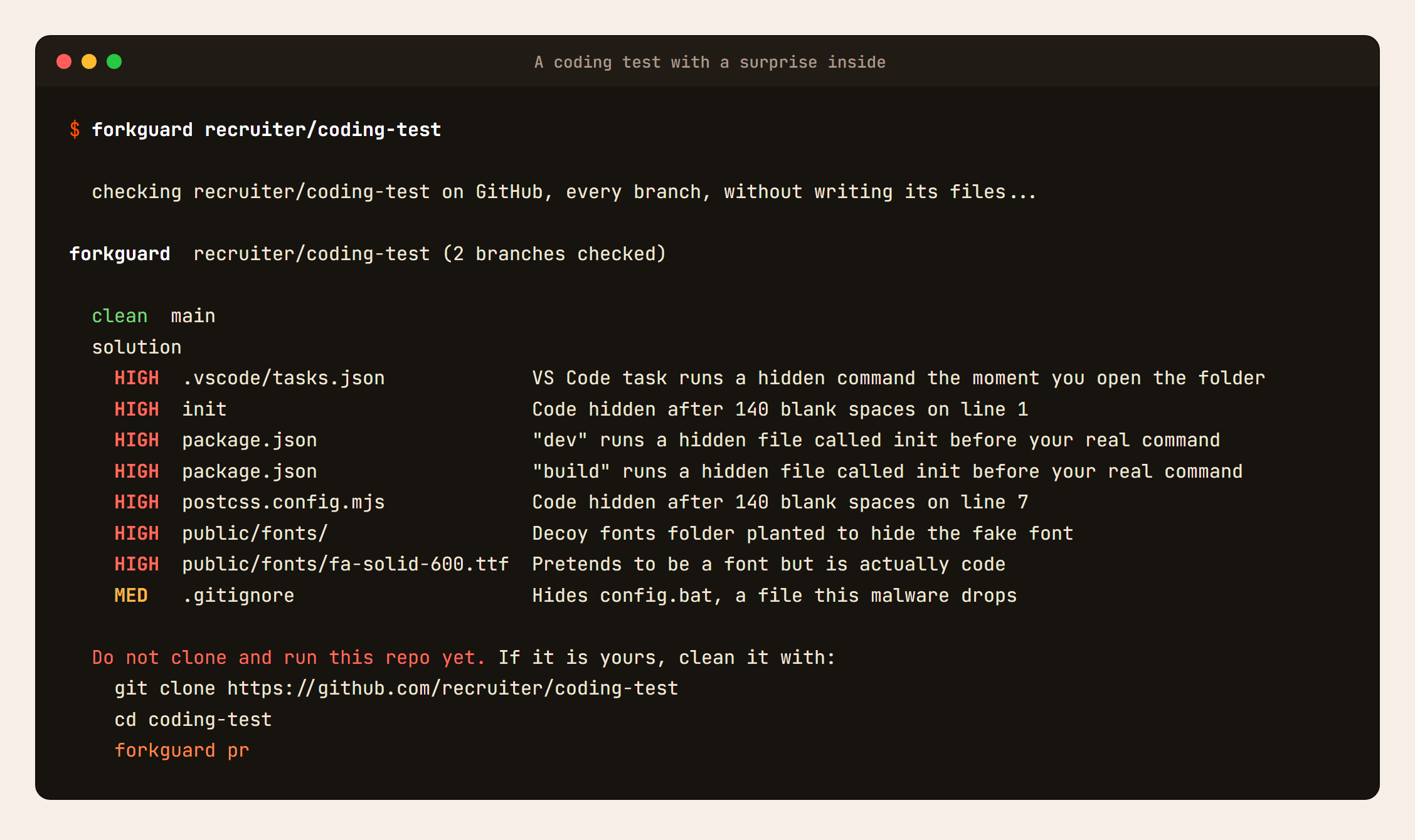
If you only looked at main, you would never know.
Check every repo you own#
Remember how the malware got into old repos I had not touched in months? That is the scary part. You cannot check what you do not know about. So forkguard can check all of your GitHub repos in one go.
Log in to the GitHub CLI once:
gh auth login
Then:
forkguard --mine
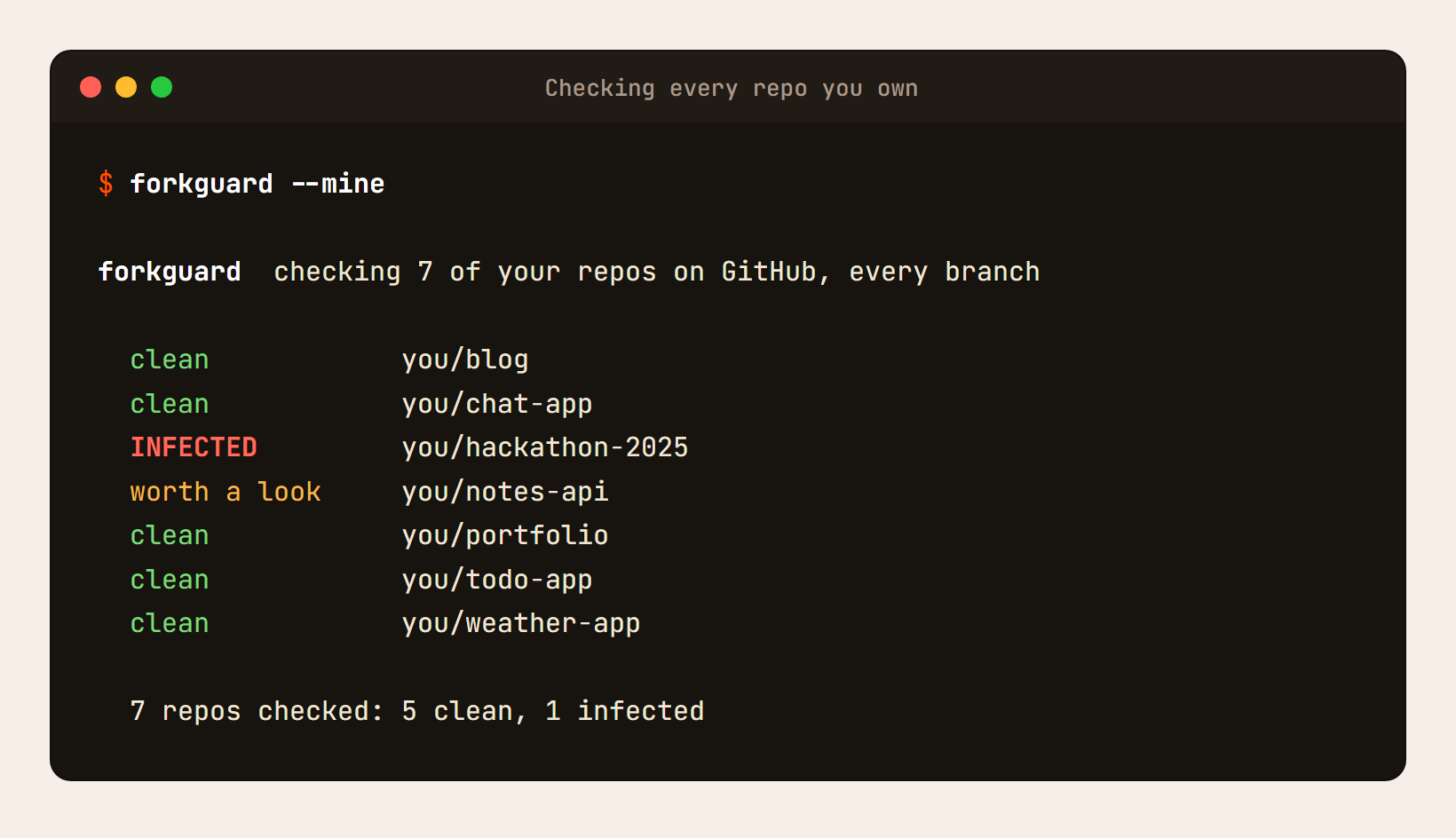
Here it is on a demo account. Every repo, every branch, one line each. hackathon-2025 looks fine on main, but an old preview branch is infected. And notes-api has a .env file committed to it, which is worth fixing too.
When I ran it on my own 54 repos, it took about a minute and a half, and it found something I had missed: an old preview branch in one of my archived repos was still infected, weeks after I thought I had cleaned everything.
That is exactly why this feature exists.
Never think about it again#
This is the setup I recommend to everyone. Run it once:
forkguard setup
Open a new terminal, and from then on forkguard checks a project automatically before npm install, npm run dev, npm start or npm run build, and right after every git clone or git pull. It works with npm, pnpm, yarn and bun.
When a project is clean, you see nothing at all. When it is not, the command is stopped before a single line of the project runs:
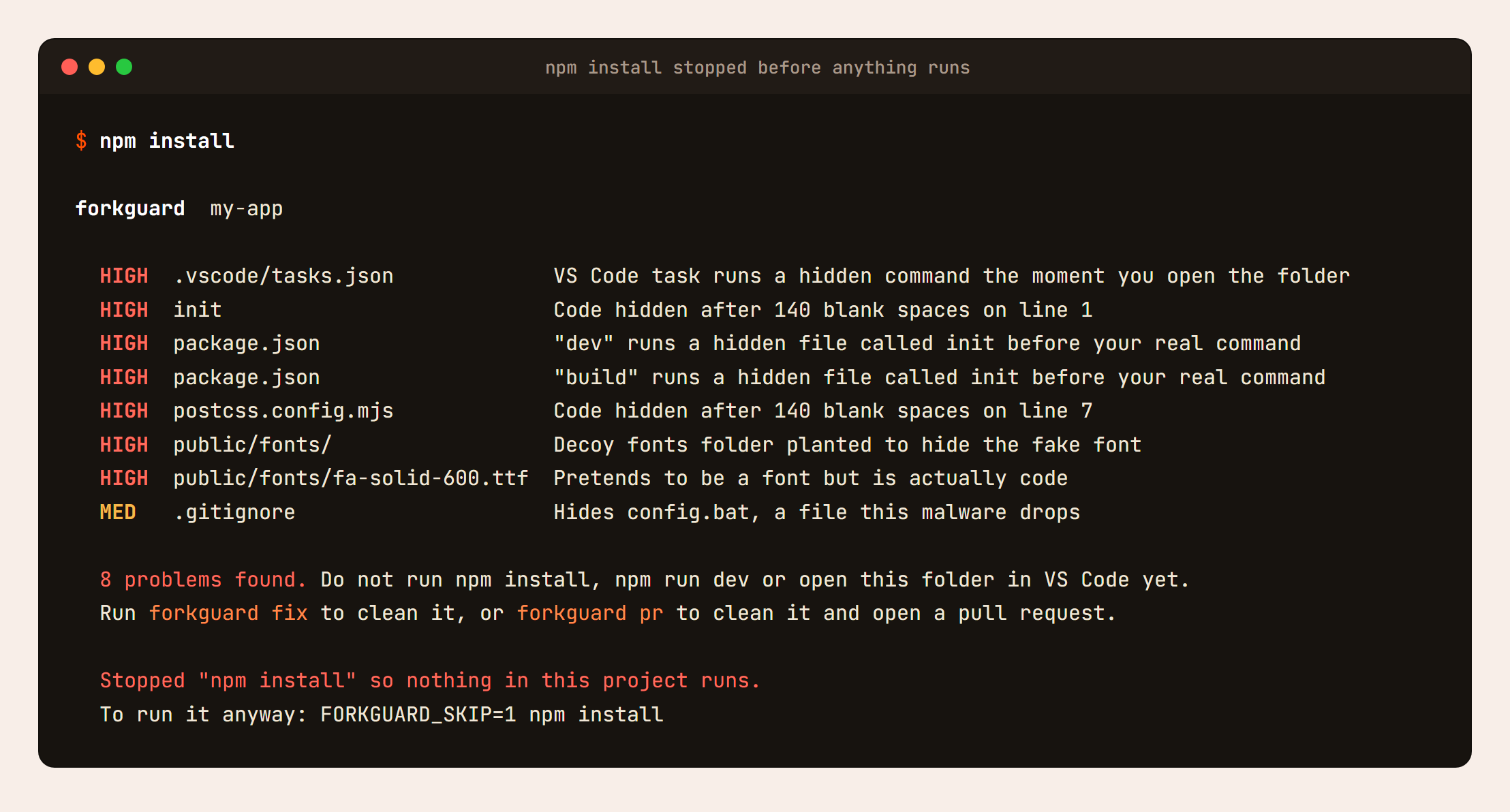
Setup also asks to turn off automatic tasks in VS Code. Say yes. That is the setting PolinRider uses to start the moment you open a folder.
Need to run something anyway? FORKGUARD_SKIP=1 npm install skips the check once. Want it gone? forkguard setup --remove.
Fix it on GitHub with a pull request#
forkguard fix cleans your laptop. But the malware lives on GitHub, so you want GitHub cleaned too:
forkguard pr
It creates a new branch, cleans it, commits it as "Remove injected malware", pushes it and opens the pull request for you. Then it switches you back to the branch you were on, so your work is never touched. You just review and merge.
If you forked a project and the original repo is the infected one, send the owner the fix:
forkguard pr --upstream
Let GitHub check every push#
Your laptop is covered. To catch it the moment it lands on GitHub, even when you are not around, add this file to your repo as .github/workflows/forkguard.yml:
name: forkguard
on: [push, pull_request]

permissions:
  contents: read

jobs:
  check:
    runs-on: ubuntu-latest
    steps:
      - uses: actions/checkout@v4
      - uses: PRODHOSH/forkguard@v0.3.1
If malware ever shows up, the build turns red and GitHub emails you. forkguard is on the GitHub Marketplace too.
Which command do I need?#
| I want to... | Run |
|---|---|
| Check the project I am in | forkguard |
| Check a repo before cloning it | forkguard owner/repo |
| Check all my GitHub repos | forkguard --mine |
| Clean my project | forkguard fix |
| Clean it on GitHub too | forkguard pr |
| Be protected automatically | forkguard setup |
What forkguard is not#
I want to be honest about this part. forkguard is built to catch this family of attacks really well, before anything runs. It is not an antivirus, and it does not replace one.
And if it finds something, cleaning the repo is only half the job. The malware steals tokens and keys, so assume they are known. From another device, rotate your GitHub tokens, SSH keys, npm token, cloud keys and everything in your .env files, and block force pushes on your main branch. I covered all of that in the cleanup steps in my last post.
Try it#
npx forkguard
That is all it takes to check the project you are in right now. I would start with your oldest repos, the ones you have not opened in months. That is where mine was hiding.
forkguard is free and open source:
- GitHub: github.com/PRODHOSH/forkguard
- npm: npmjs.com/package/forkguard
- Docs: Getting started guide
If it catches something for you, or misses something, I would love to hear about it. Open an issue, and if it saved you from a bad day, a star on the repo helps other developers find it.